Samsung
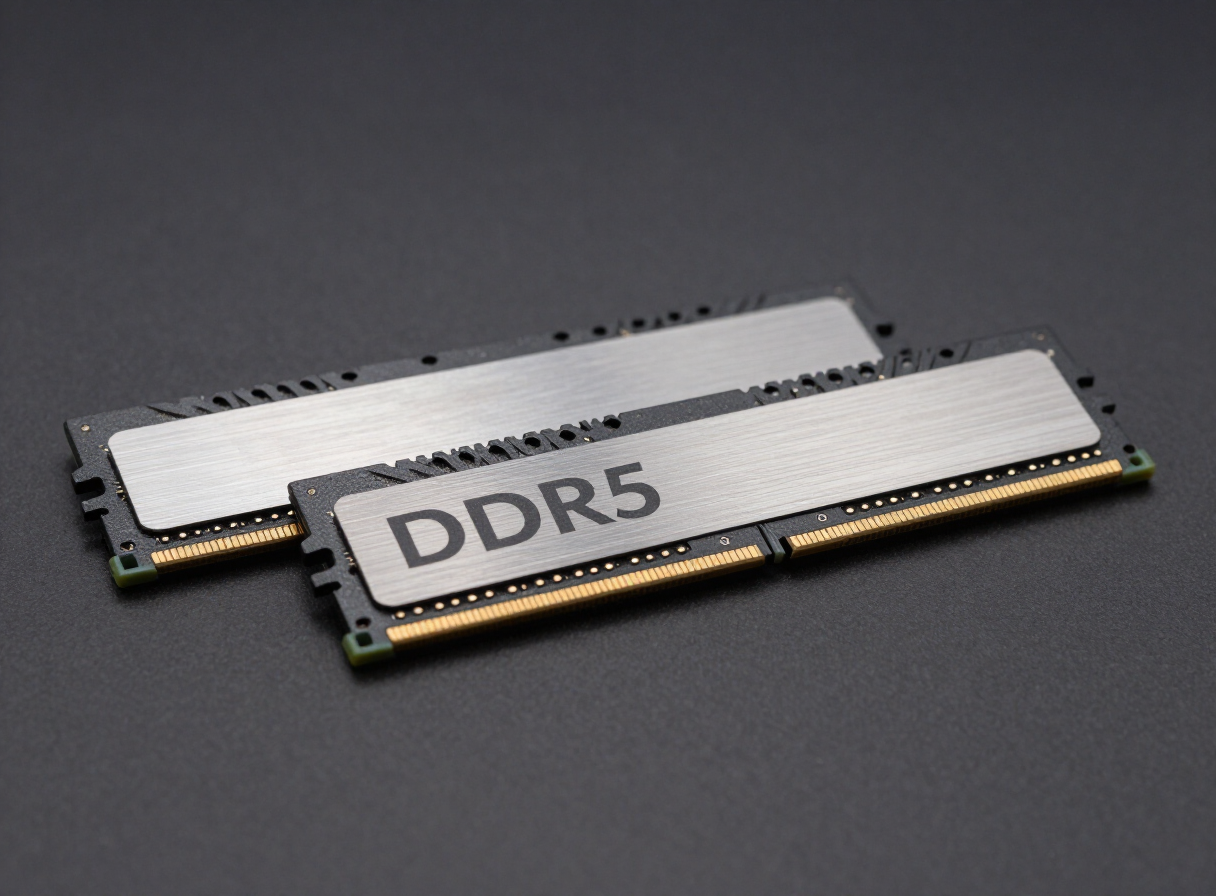
Samsung DDR5 32GB (1x32GB) 4800MHz
Who this is for: builders after 32GB of DDR5 at 4800MHz for modern gaming, content creation and comfortable multitasking — it runs at stock JEDEC settings, which is exactly what most prebuilt and office systems want. Because this is a single module, it runs in single-channel mode and gives up roughly half the memory bandwidth of a matched pair; for a new build, pair it with a second identical stick or buy a 2-module kit instead.
The Samsung DDR5 32GB (1x32GB) 4800MHz is a 32GB DDR5 single module rated at 4800MHz with CL40 timings.
At 4800MHz and CL40, the real-world payoff shows up in bandwidth-hungry work such as 1% low frame rates on modern CPUs, code compilation and multi-track editing timelines. Samsung builds its own silicon end to end, which shows up in consistency rather than headline numbers. Before buying, confirm your motherboard supports 32GB in the configuration you plan to run.
Technical Specs
Standard-Grade
We may earn a commission from retailer links. This doesn't affect our rankings.
As an Amazon Associate I earn from qualifying purchases.
Available Vendors
Frequently Asked Questions
Will the Samsung DDR5 32GB (1x32GB) 4800MHz run at 4800MHz out of the box?
Not automatically. Every module boots at a JEDEC baseline first, so you need to enable the XMP or EXPO profile in BIOS to reach 4800MHz at CL40. If the system fails to post, clear CMOS and try one speed step lower.
Is 32GB enough for my build?
32GB is the recommended amount for modern gaming and everyday content work — comfortable headroom for most builders without paying for capacity you won't use. Note that this listing is a single module, so it runs in single-channel mode and gives up roughly half the memory bandwidth of a matched pair — for a new build we'd recommend a 2-module kit of the same total capacity instead.
What does CL40 actually mean here?
CL40 is the CAS latency: the number of clock cycles between a read request and the first data returned. Because 4800MHz clocks faster than older kits, the same CL number represents less real time. True latency in nanoseconds, not the CL figure alone, is what to compare.
Can I mix this with memory I already own?
You can, but it is not recommended. Mixing kits means the memory controller has to find settings that satisfy every module, so you usually end up below the 4800MHz rating. Buying 32GB as a single matched kit avoids that entirely.
Want the background behind these specs? Read our memory guides.