SSDs: NVMe & SATA Drives
A premium SSD transforms how your system operates. By utilizing advanced NAND types like 3D TLC, modern NVMe SSDs push sequential read speeds up to 7400MB/s, slashing loading times to microseconds.
Speed, Latency & Memory Chip Capability
Understanding SSD Memory Chips: Always check the NAND type. TLC offers high endurance for heavy workloads, while QLC allows for massive multi-terabyte capacities on a budget. Both dramatically outperform traditional mechanical drives.
Available SSD Hardware
Showing 15 items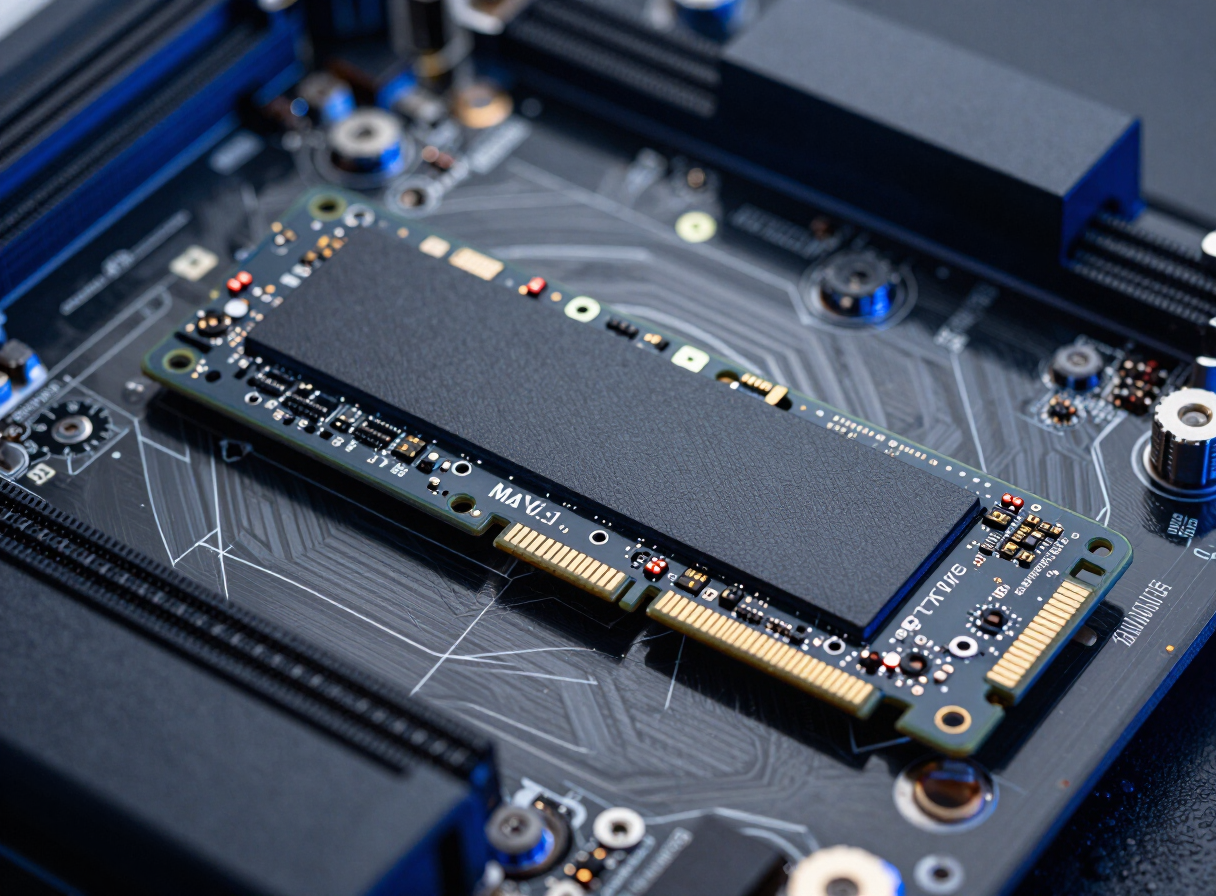
Samsung
Samsung 990 Pro 2TB NVMe Gen4
WD
WD Black SN850X 1TB NVMe Gen4
Crucial
Crucial T700 2TB NVMe Gen5
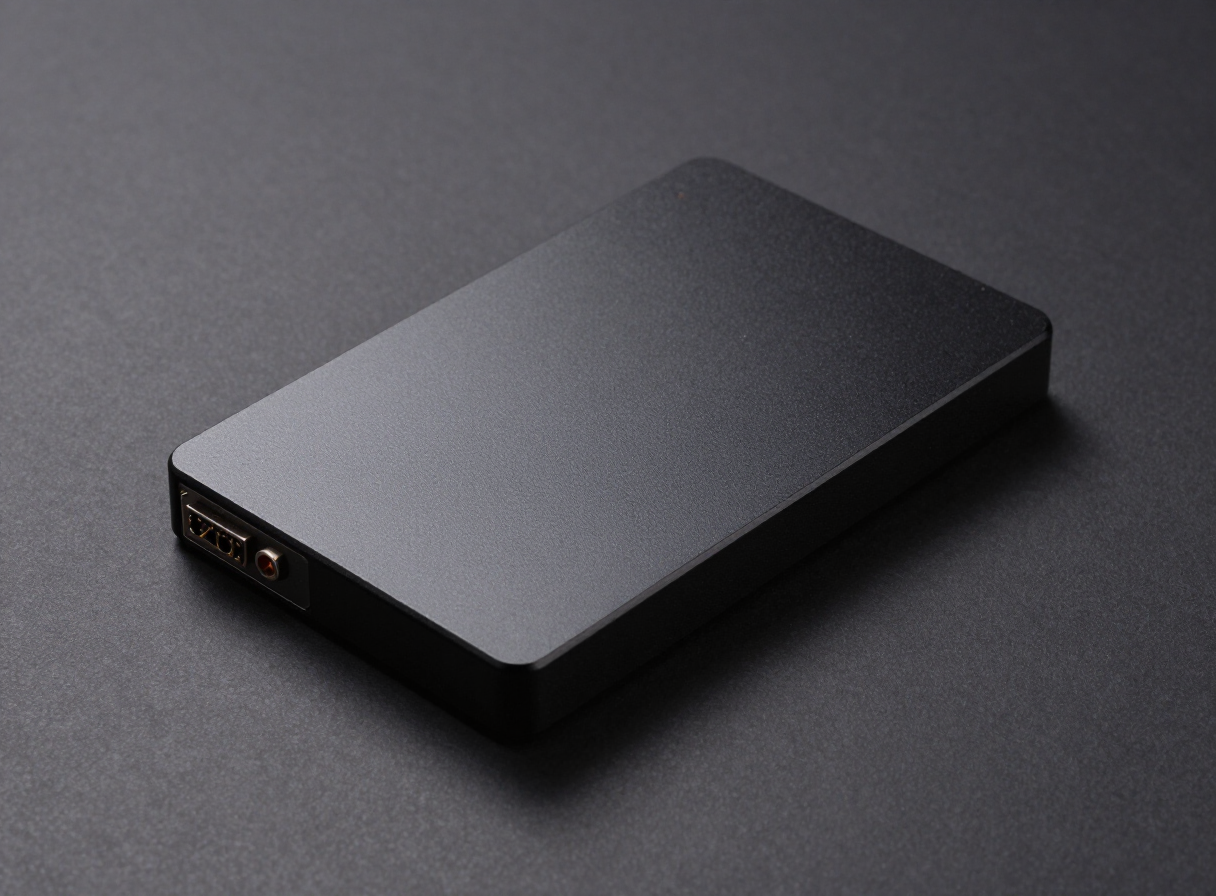
Samsung
Samsung 870 EVO 4TB SATA
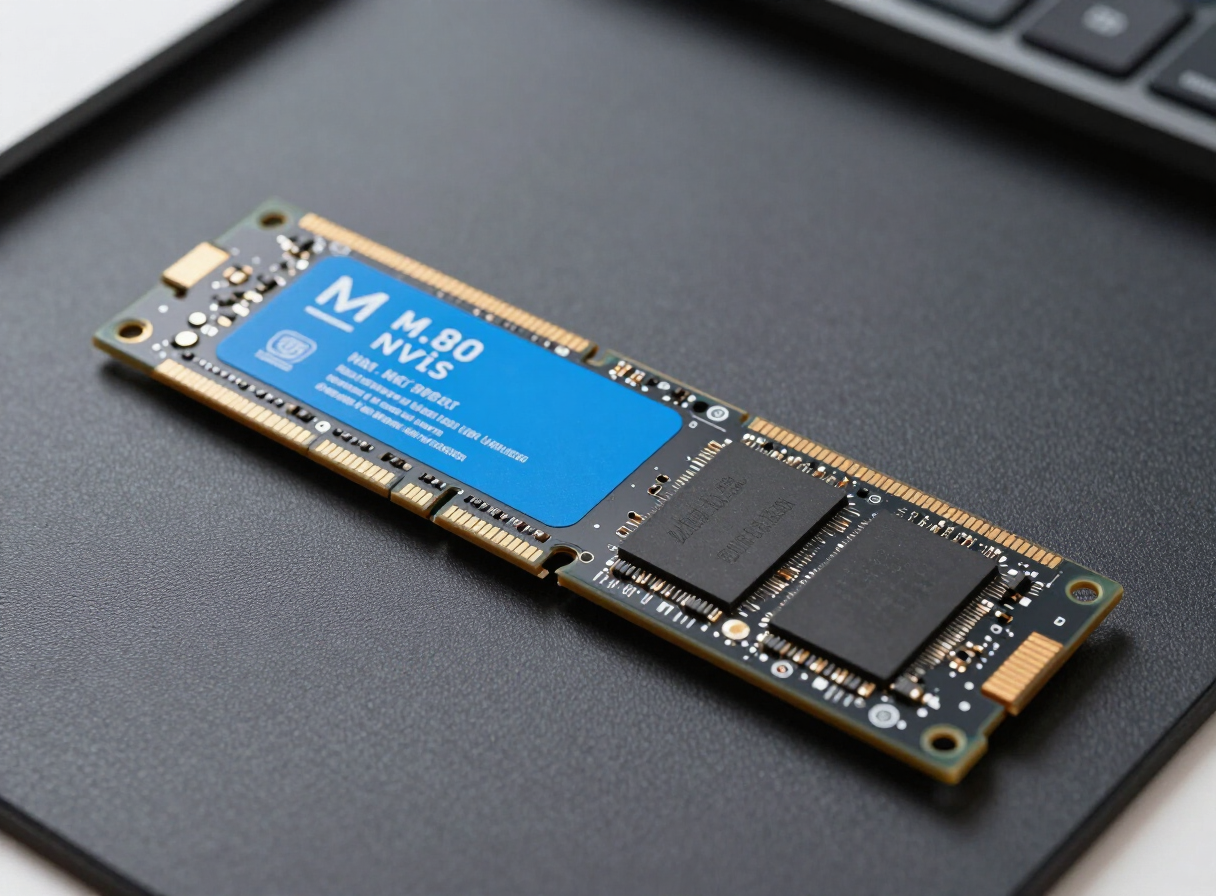
WD
WD Black SN7100 2TB NVMe Gen4
Corsair
Corsair MP600 PRO LPX 2TB NVMe Gen4
Kingston
Kingston KC3000 1TB NVMe Gen4
Crucial
Crucial P310 2TB NVMe Gen4
Samsung
Samsung 9100 Pro 1TB NVMe Gen5
Crucial
Crucial P3 Plus 4TB NVMe Gen4
Corsair
Corsair MP700 1TB NVMe Gen5
WD
WD Black SN850X 4TB NVMe Gen4
Samsung
Samsung 990 EVO Plus 1TB NVMe Gen4/5
Crucial
Crucial MX500 1TB SATA
WD
WD Black SN770 500GB NVMe Gen4
How to choose an SSD
NVMe or SATA
NVMe drives plug into an M.2 slot on the motherboard and are several times faster than SATA. SATA SSDs use a 2.5-inch drive bay and a cable, and are mainly for older PCs without an M.2 slot. If your board has an M.2 slot, choose NVMe.
PCIe Gen3, Gen4 or Gen5
Gen4 is the best value for most builds. Gen5 is faster for very large file transfers but runs hotter and costs more, while everyday loading feels about the same.
TLC or QLC
TLC drives stay fast during long file copies and last longer. QLC drives cost less per terabyte and suit large game or media libraries.
Capacity
1TB is the practical minimum for a gaming PC today, and 2TB gives room for a larger game library. Bigger drives also tend to be faster and more durable.
Endurance
Every SSD has a TBW (terabytes written) rating. For normal use, almost any mainstream drive will last many years, so it only matters for heavy workloads like video editing.
Frequently asked questions
Which SSD is best for gaming?
A Gen4 NVMe drive with TLC NAND and at least 1TB is the sweet spot. Game loading depends mostly on read speed, where most modern NVMe drives perform similarly, so capacity often matters more than peak speed.
Do I need a heatsink for my NVMe SSD?
Gen4 drives usually run fine under the motherboard's included M.2 heatsink. Gen5 drives run hot and should always have a substantial heatsink.
Will an NVMe SSD work in my PC?
It needs an M.2 slot that supports NVMe (PCIe). Most motherboards from the last several years have one. Check your motherboard manual, which lists each slot's supported type and speed.