DDR4 RAM Chips
DDR4 RAM remains the standard for millions of rigs worldwide. Known for incredibly tight latency and robust stability, DDR4 memory chips provide the most cost-effective way to achieve high capacity and low-response-time performance.
Speed, Latency & Memory Chip Capability
DDR5 vs DDR4: DDR4 excels with ultra-low CAS latency (like CL14 or CL16), meaning system responsiveness is nearly instantaneous. It provides broad compatibility across almost all last-gen motherboards.
Available DDR4 Hardware
Showing 11 items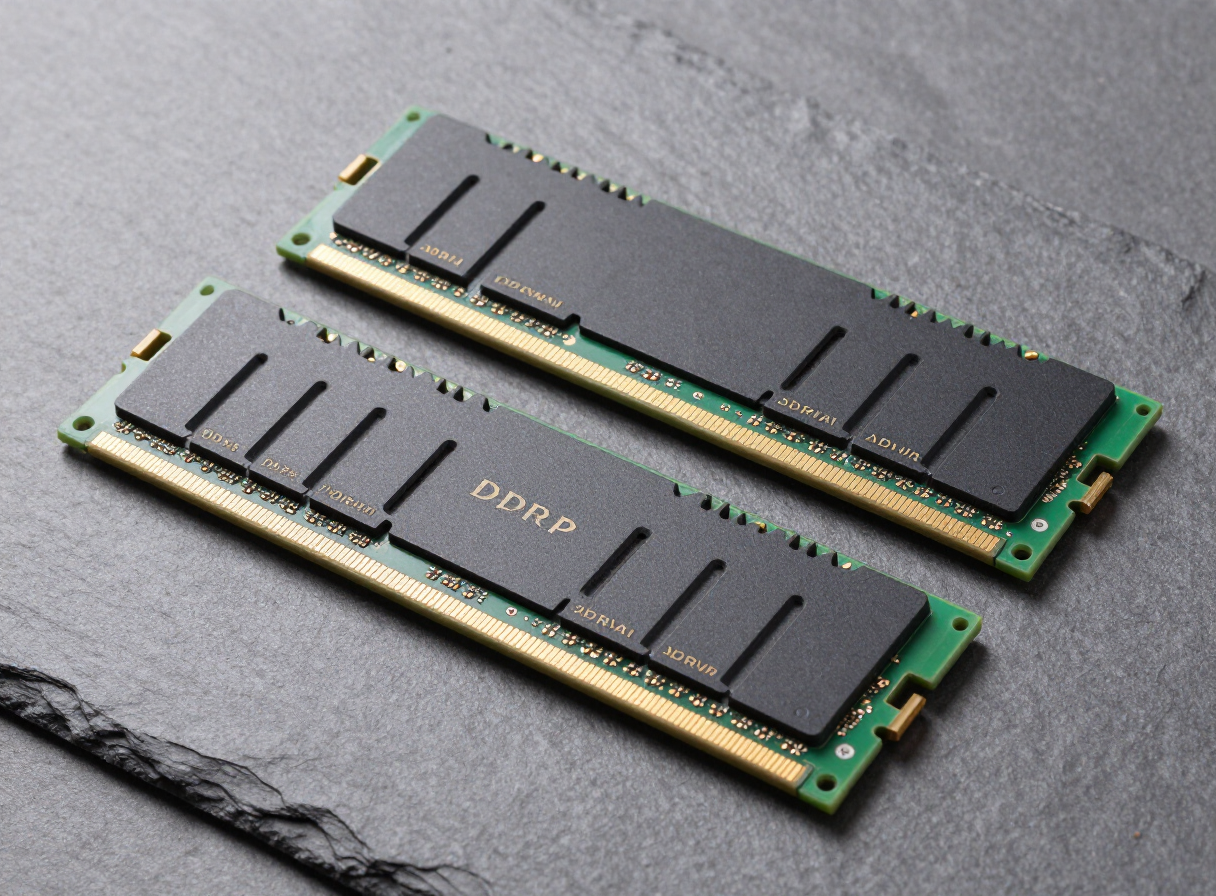
Corsair
Corsair Vengeance LPX 16GB (2x8GB) 3200MHz
G.Skill
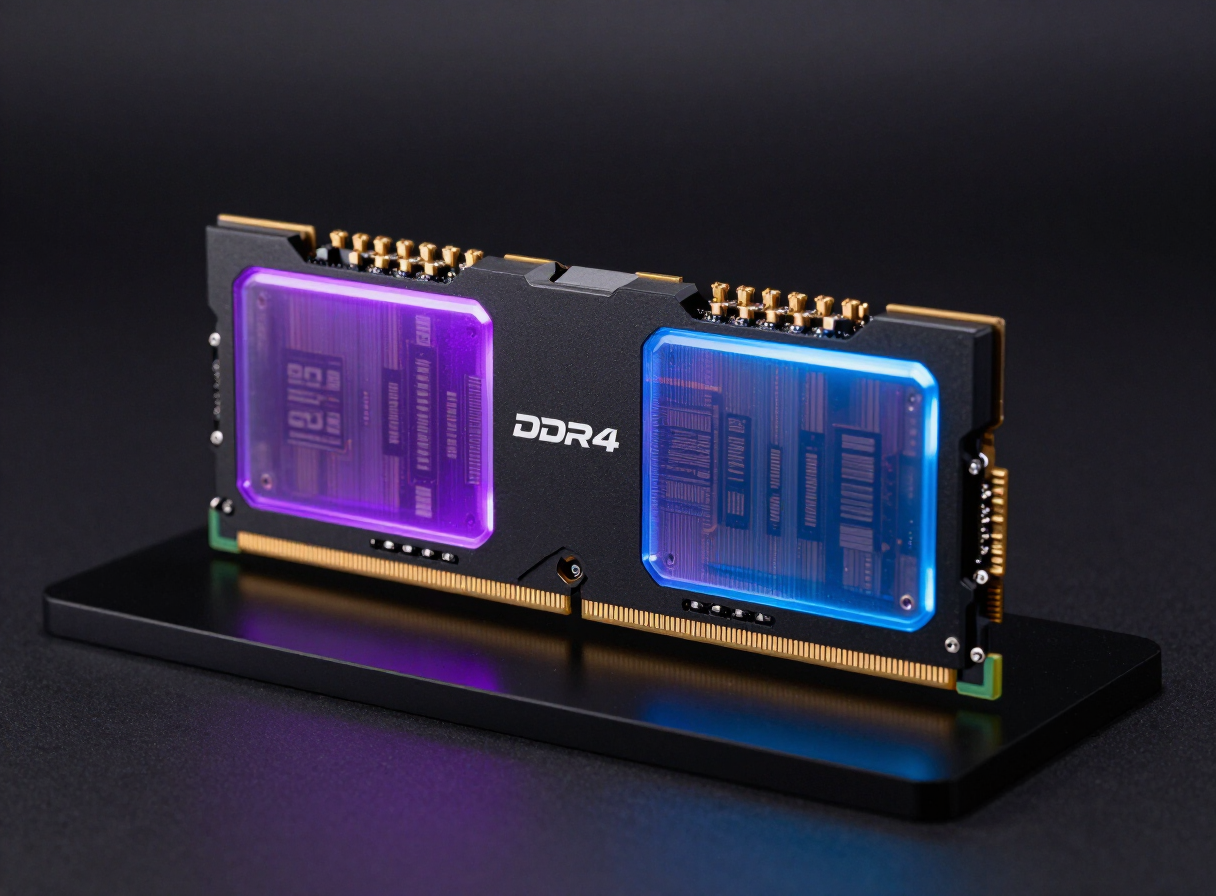
G.Skill Trident Z RGB 32GB (2x16GB) 3600MHz
Kingston
Kingston FURY Beast 16GB (2x8GB) 3200MHz
G.Skill
G.Skill Ripjaws V 16GB (2x8GB) 3600MHz
Samsung
Samsung 8GB DDR4 3200MHz
Corsair
Corsair Vengeance RGB Pro 16GB 3200MHz
Crucial
Crucial Pro 32GB (2x16GB) 3200MHz
G.Skill
G.Skill Trident Z Neo 32GB 3600MHz
Corsair
Corsair Vengeance LPX 64GB (2x32GB) 3200MHz
Kingston
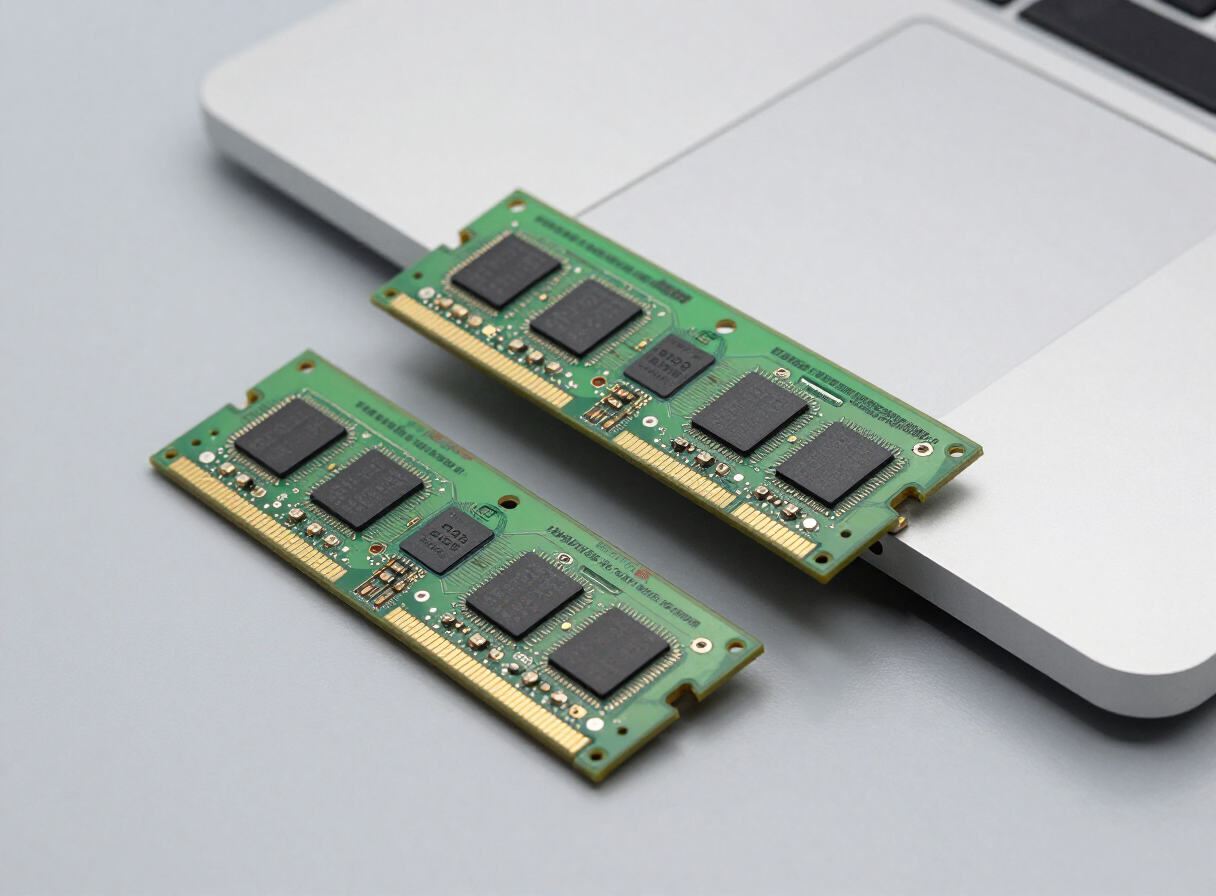
Kingston FURY Impact 32GB SO-DIMM 3200MHz
G.Skill
G.Skill Ripjaws V 32GB (2x16GB) 4000MHz
How to choose DDR4 RAM
Speed
3200 MT/s works in almost every DDR4 system. For AMD Ryzen AM4 builds, 3600 MT/s is the usual sweet spot, because it lets the memory and the processor's internal connection run in sync. Intel DDR4 systems benefit similarly from 3200 to 3600 MT/s.
Latency
Look for CL16 at 3200 or CL16 to CL18 at 3600. Those kits offer most of DDR4's performance without paying for extreme bins.
Capacity
16GB is the minimum for gaming today. 32GB (2x16GB) is the better choice if you stream, multitask or plan to keep the system for several more years.
Upgrading an existing system
DDR4 handles four sticks better than DDR5, so adding a second matching kit is usually fine. For the most reliable result, buy a single kit with the total capacity you want.
Desktop or laptop
Desktops use full-size DIMM modules. Laptops and mini PCs use smaller SO-DIMM modules, which are labelled as such. Make sure you buy the right type.
Frequently asked questions
Is DDR4 still worth buying?
Yes, if you're upgrading or repairing an existing DDR4 system, such as an AMD AM4 build or an Intel PC with a DDR4 motherboard. For a brand-new build on a current platform, DDR5 is the better long-term choice.
Can I use DDR4 in a DDR5 motherboard?
No. The slots are physically different, so DDR4 sticks won't fit in a DDR5 board. Check which type your motherboard supports before buying.
Why is my DDR4 running at 2133 or 2400?
That's the standard baseline speed. Enable XMP (sometimes called DOCP or A-XMP on AMD boards) in the BIOS to reach your kit's rated speed. Here's how to check your RAM speed in Windows.