Crucial
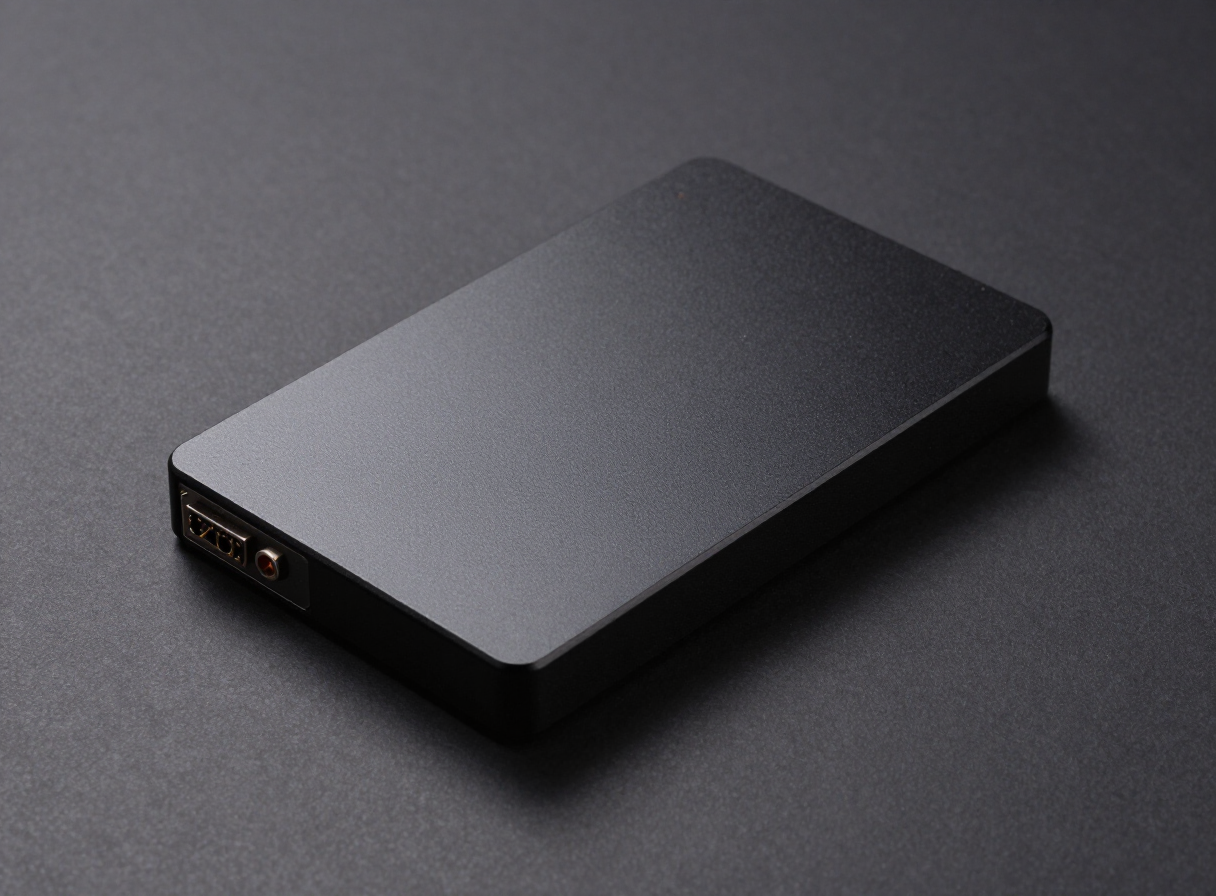
Crucial MX500 1TB SATA
Who this is for: anyone who needs 1TB of SSD storage for reviving an older laptop or desktop that still boots from a mechanical drive — it is the classic upgrade drive for a machine still booting from a mechanical disk.
The Crucial MX500 1TB SATA is a 1TB SSD drive rated at up to 560MB/s sequential read, built on 3D TLC flash.
3D TLC determines how it behaves once the SLC write cache is exhausted: sustained writes stay far more consistent, which matters for video ingest and large game installs. Crucial modules come straight from Micron, so the die behind the label is known quantity. Any SATA port will run it at full speed, making it an easy drop-in upgrade.
Our take
Buy it if: your PC or laptop has no M.2 slot and uses 2.5-inch SATA drive bays. It's one of the most reliable upgrades from an old hard drive.
Skip it if: your motherboard has an M.2 slot. An NVMe drive costs about the same and is several times faster.
Consider instead: WD Black SN770 500GB for a low-cost NVMe upgrade.
Technical Specs
Standard-Upgrade
We may earn a commission from retailer links. This doesn't affect our rankings.
As an Amazon Associate I earn from qualifying purchases.
Available Vendors
Frequently Asked Questions
What speeds should I expect from the Crucial MX500 1TB SATA?
The rated 560MB/s figure is sequential read on an uncontested SATA link. Random 4K performance, which is what actually determines how snappy a system feels, is a separate figure and is far less dependent on the headline number.
What is 3D TLC flash and why does it matter?
3D TLC describes how many bits each memory cell stores and how the layers are stacked. TLC stores three bits per cell, which keeps sustained write speed and endurance in a healthy place for daily use.
Does the 1TB Crucial drive need a heatsink?
No. SATA drives run cool and fit any standard 2.5 inch bay or bracket.
Is it a good fit for a laptop or older desktop?
Yes. A 2.5 inch SATA SSD is the safest possible upgrade for an older machine still running a mechanical hard drive.
Want the background behind these specs? Read our memory guides.