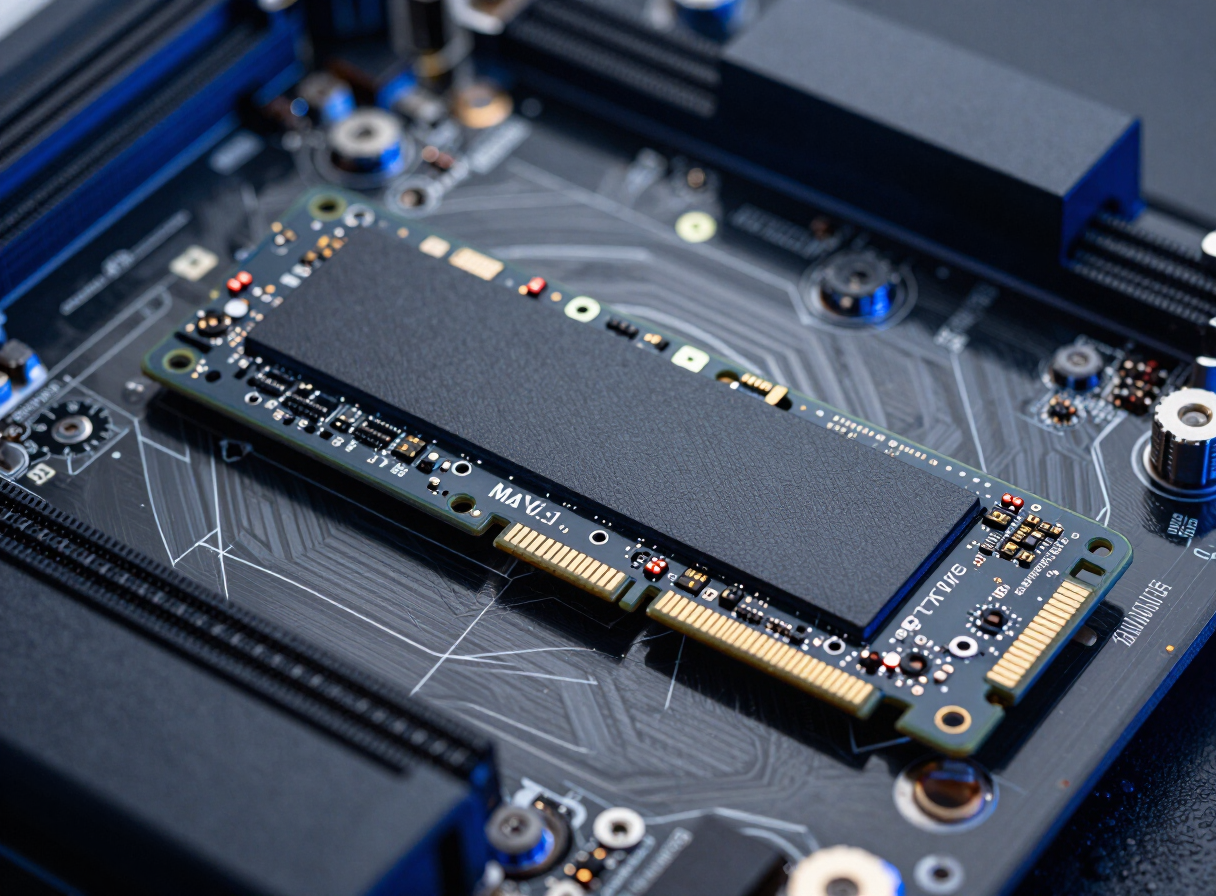
Corsair
Corsair MP600 PRO LPX 2TB NVMe Gen4
Who this is for: anyone who needs 2TB of NVMe storage for a boot drive or fast secondary drive in a modern build — it fits the console expansion bay without clearance problems thanks to its low-profile heatsink.
The Corsair MP600 PRO LPX 2TB NVMe Gen4 is a 2TB NVMe drive rated at up to 7100MB/s sequential read, built on 3D TLC flash.
3D TLC determines how it behaves once the SLC write cache is exhausted: sustained writes stay far more consistent, which matters for video ingest and large game installs. Corsair backs it with a lifetime warranty and iCUE support where lighting is present. Check that your M.2 slot runs at the drive’s interface generation, and give it airflow or a heatsink under long writes.
Technical Specs
PS5-Optimized
We may earn a commission from retailer links. This doesn't affect our rankings.
As an Amazon Associate I earn from qualifying purchases.
Available Vendors
Frequently Asked Questions
What speeds should I expect from the Corsair MP600 PRO LPX 2TB NVMe Gen4?
The rated 7100MB/s figure is sequential read on an uncontested PCIe link. Random 4K performance, which is what actually determines how snappy a system feels, is a separate figure and is far less dependent on the headline number.
What is 3D TLC flash and why does it matter?
3D TLC describes how many bits each memory cell stores and how the layers are stacked. TLC stores three bits per cell, which keeps sustained write speed and endurance in a healthy place for daily use.
Does the 2TB Corsair drive need a heatsink?
For long sustained writes, yes. High-speed NVMe drives throttle when they get hot, so either use the motherboard M.2 heatsink or a drive that ships with one.
Is it a good fit for a console or laptop?
Check physical clearance first: the expansion bay in consoles and the M.2 slot in thin laptops both have height limits, so a tall heatsink can be a problem.
Want the background behind these specs? Read our memory guides.